How to handle user input in Pygame in Python

How to handle user input in Pygame in Python

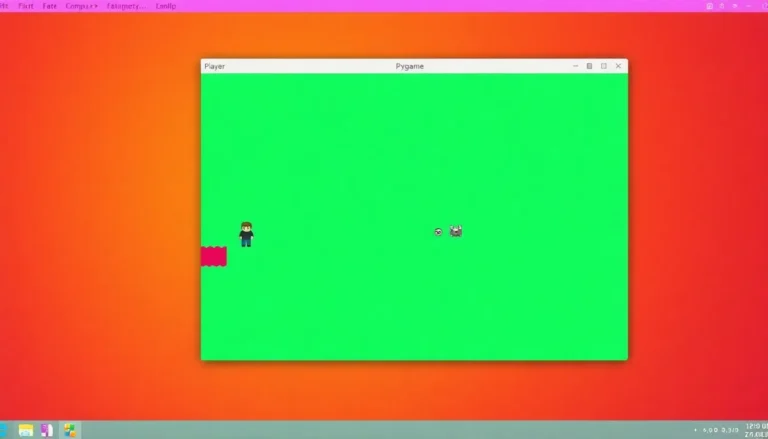
Input validation is essential for interactive applications, ensuring user input is expected and safe. In Pygame, this includes validating keyboard inputs, mouse clicks, and external data. Implementing techniques for valid key presses, mouse event handling, and text input validation enhances game stability and user experience.
How to render text and use fonts in Pygame in Python

How to render text and use fonts in Pygame in Python

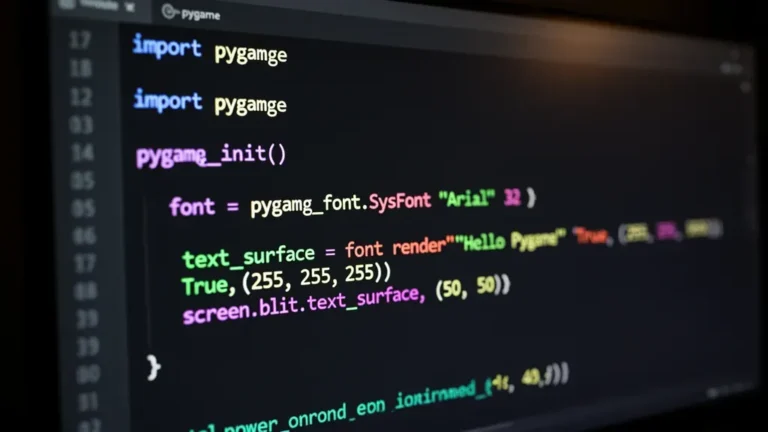
Optimize font usage in Pygame by implementing a font manager for preloading and caching fonts, minimizing runtime loading overhead. Improve performance by updating text surfaces only when necessary, using sprite groups for multiple text elements, and profiling your application to monitor rendering times. Manage font resolution and variety to ensure smooth gameplay.
How to play and control sound in Pygame in Python

How to play and control sound in Pygame in Python

Maximize audio system responsiveness with event-driven sound triggers in gameplay. Integrate dynamic audio cues based on real-time events, character states, and environmental interactions. Techniques include varied footstep sounds by surface type, urgent background music for low health, and environmental audio cues for interactions, enhancing immersion and realism.
How to work with images and sprites in Pygame in Python

How to work with images and sprites in Pygame in Python

Effective sprite animation involves managing image sequences and timing between frames. Key techniques include decoupling frame update rates from the game loop and using elapsed time to control frame advancement. Implementing classes in Pygame, such as AnimatedSprite and StatefulAnimatedSprite, allows for efficient animation handling and state management. Optimize performance by loading assets once and using sprite groups for drawing.